
Learn VisPro
Video Tutorials
Master VisPro with our comprehensive video tutorials. From beginner basics to advanced techniques.
Learning Paths
Structured courses tailored to your profession
Real Estate Professional
Complete guide for agents and property marketers
- Property photography
- Listing optimization
- Client presentation
Interior Designer
Showcase your designs with stunning video presentations
- Portfolio creation
- Before/after reveals
- Style showcasing
Content Creator
Create engaging home content for social media
- Viral formats
- Platform optimization
- Audience engagement
All Tutorials
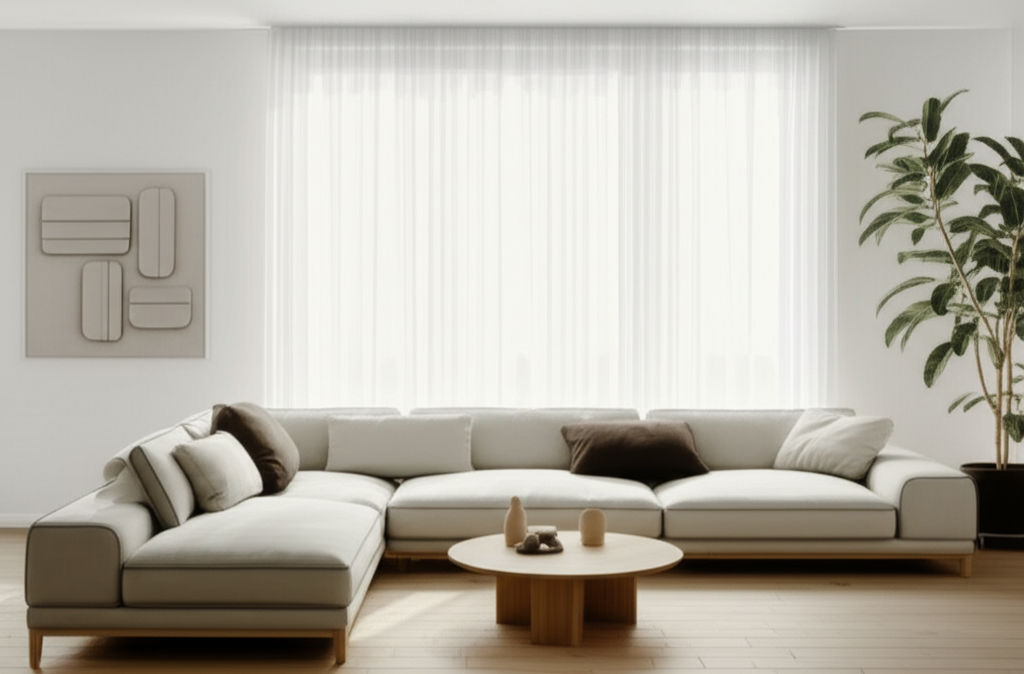
Getting Started with VisPro
Learn the basics of creating your first interior video in under 10 minutes.
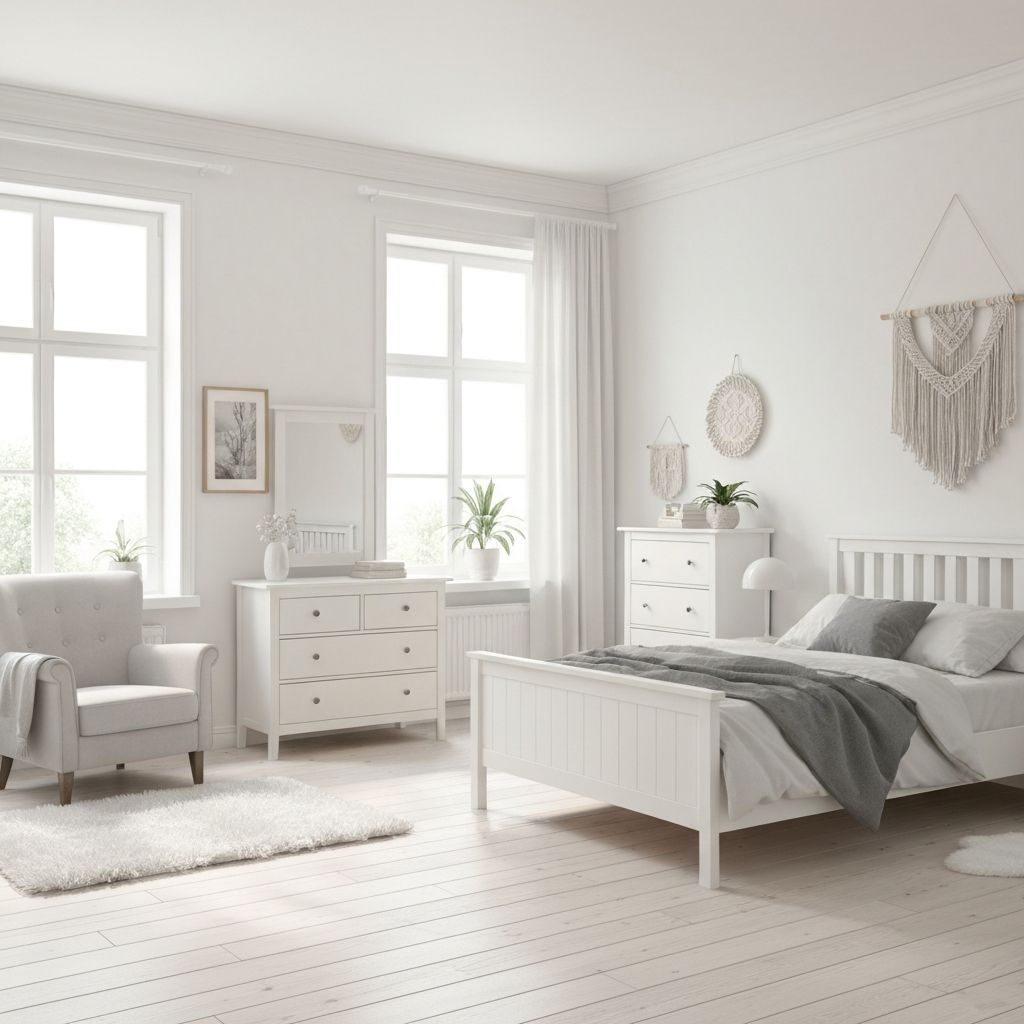
Mastering Photo Selection
Discover how to choose and order photos for maximum visual impact.

Understanding AI Avatars
Deep dive into avatar selection, voice customization, and narration styles.
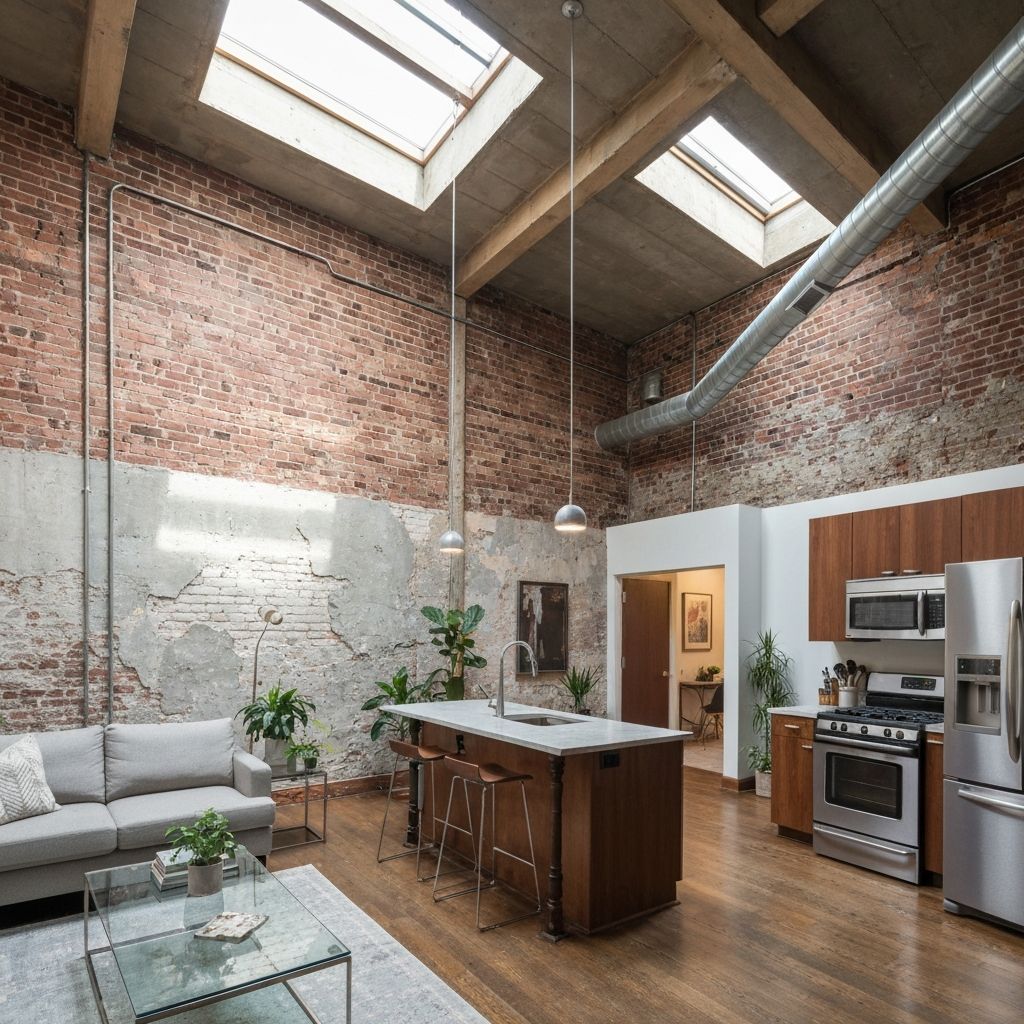
Advanced Script Editing
Learn how to customize AI-generated scripts for professional results.
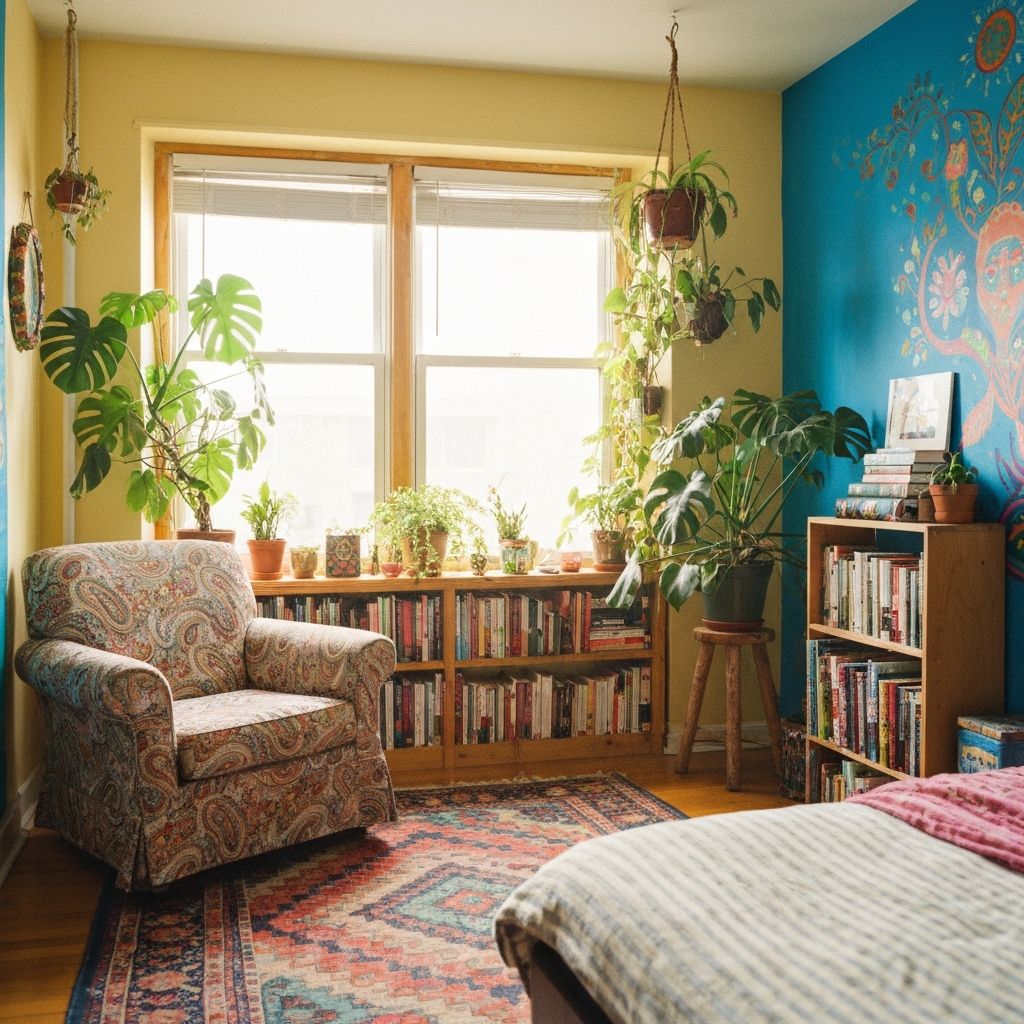
Optimizing for Social Media
Create videos optimized for TikTok, Instagram, and YouTube.
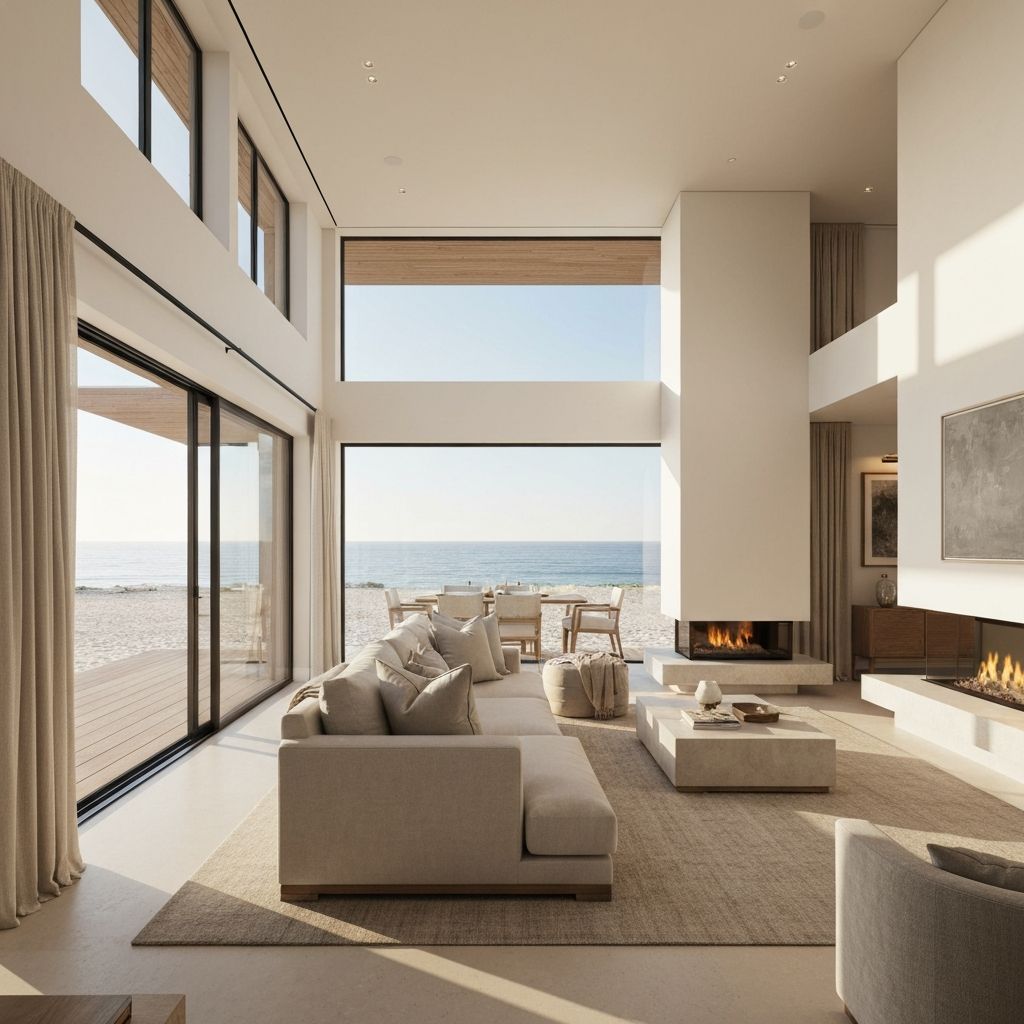
Real Estate Video Best Practices
Professional tips for creating compelling property listing videos.
Quick Tips
Essential tips to improve your videos instantly
Use natural lighting
Photos with natural light produce better AI enhancement results.
Capture multiple angles
Include wide shots, medium shots, and detail shots of each room.
Match avatar to audience
Professional avatars for real estate, casual for social content.
Preview before rendering
Always review your script and settings before final generation.